On this page
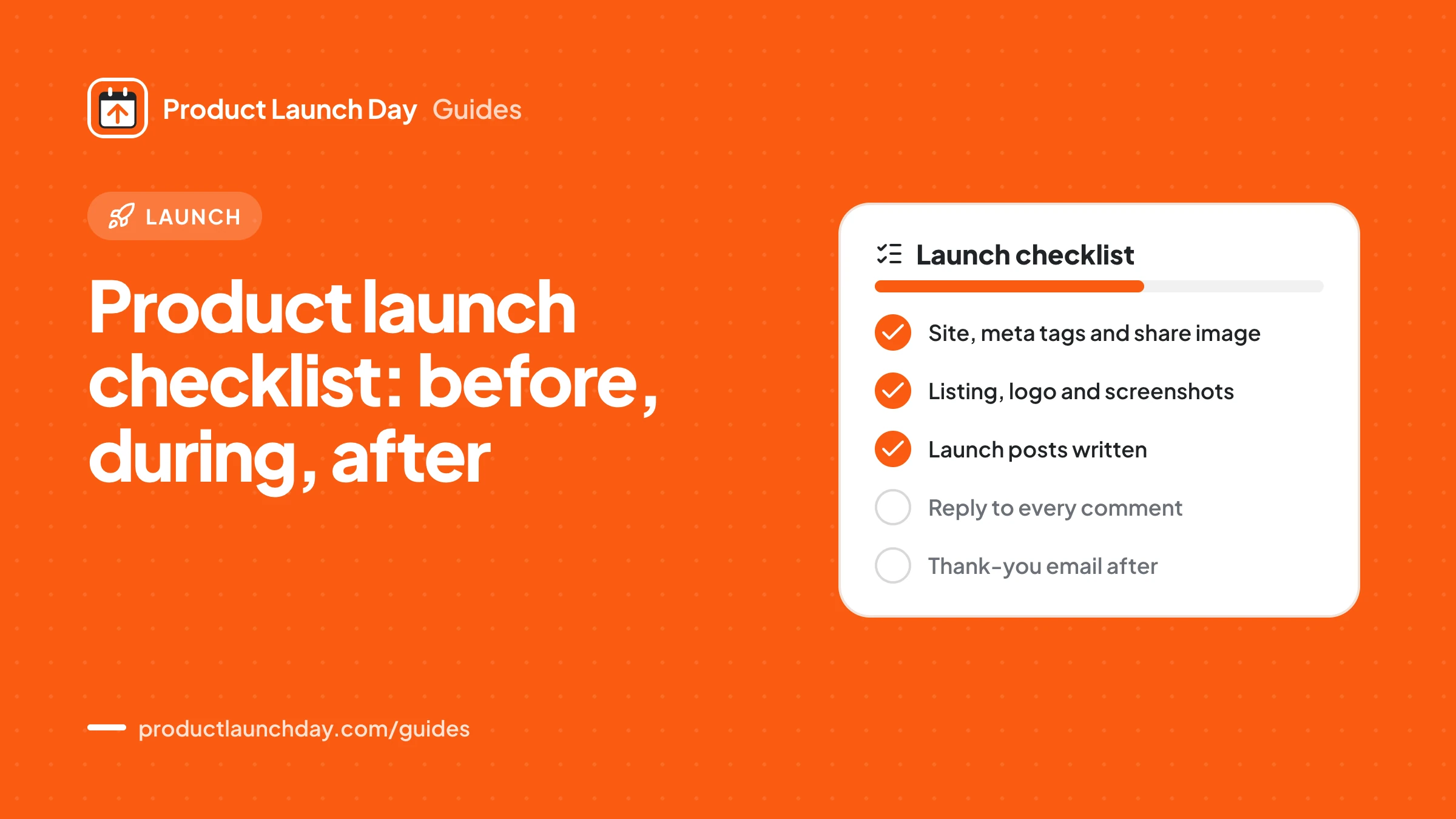
A good product launch checklist has three parts. Before the launch you fix your website, prepare the listing and line up the people you will tell. During the launch you check the listing is live, share it, and reply to every comment. After the launch you follow up with new users, fix what they reported and submit to other sites. Below is the full list, and you can tick it off interactively with our free launch checklist tool.
Why a checklist helps
Launch days are busy and a little stressful. That is exactly when people forget simple things: a broken link in the email, a missing image in the social preview, a sign up page that still says "beta". A checklist moves those decisions to a calm day so that on launch day you only have to do, not think.
Use this list as a base and cut what does not fit your product. A tool for developers needs different screenshots than a tool for accountants, but both need a clear page and a working sign up.
Before the launch: your website
Your launch listing sends visitors to your site. If the site is unclear, the launch is wasted.
- Headline: the top of your home page says what the product does and for whom, in plain words.
- Sign up: a stranger can try the product in a couple of minutes, without a sales call.
- Title and description: your page title and meta description are set and readable. Check them with the meta tag checker.
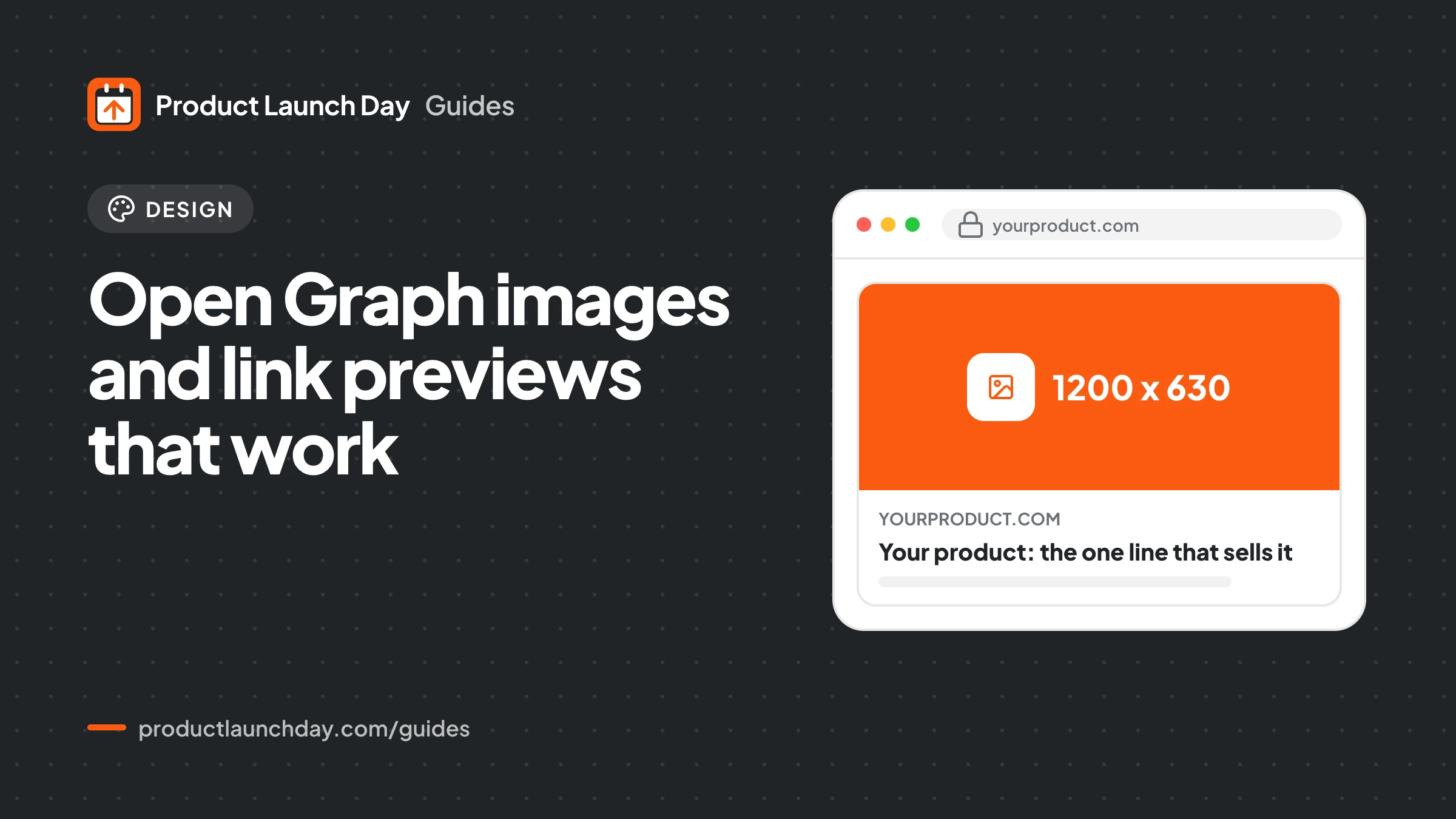
- Link preview: an Open Graph image of 1200 by 630 pixels is set, and the preview looks right in the OG preview tool.
- Favicon: your icon shows in browser tabs and bookmarks. The favicon checker finds missing sizes.
- Search basics: robots.txt does not block your pages and your sitemap is reachable. Test both with the robots and sitemap checker.
- Structured data: optional, but a SoftwareApplication or Organization block helps search engines understand the page. The schema generator writes one for you.
- Analytics: you can see where visitors come from. Tag your launch links with the UTM builder so you can tell sources apart later.
Before the launch: the listing
- Paste your site address on the submit page and let AI draft the listing, then edit every line yourself.
- Write a tagline that names the user and the result. Our tagline guide has patterns.
- Choose the one category that fits best. Browse categories to see where similar products sit.
- Upload a sharp logo and three to five screenshots of the main job the product does.
- Write your maker comment: why you built it, who it is for, what is free, and what feedback you want.
- Choose your plan. Free launches wait in the queue and need our badge on your site; paid plans skip the queue and let you pick the date. See pricing.
- If you launch free, add the badge from the badge page to your site before your date and leave it there.
Before the launch: the people
- Make a list of everyone who should hear about it: newsletter subscribers, early testers, past customers, colleagues, and communities where you already take part.
- Draft the email you will send on the day, with one link and one ask.
- Draft posts for each social channel. Our guide to writing launch posts covers X, LinkedIn, Reddit and Show HN.
- Read the rules of any community before you post there. Many limit self promotion.
- Block out your calendar for launch day.
During the launch
- Open your listing and click every link: website, sign up, pricing.
- Post your maker comment early so the first visitors see it.
- Send your email and publish your social posts.
- Reply to every comment in full sentences. Be honest about what the product does not do yet.
- Keep a running note of questions, confusion and feature requests.
- Fix small bugs as they come in and say so in the comments.
- Do not ask people to make new accounts to vote. Accounts made on launch day count 0 and accounts under 7 days old count 0.5, so it does not help. The rules explain why.
Vote counts are hidden for the first four hours of each day. Spend that time on conversations, not on refreshing the board.
After the launch
- Email new sign ups personally and ask what made them try it.
- Ship one thing that people asked for, then tell them.
- If you finished in the top three of the day, week or month, add your winner badge to your site. Winners are listed on the winners page.
- Submit to other launch sites and directories from our directory list, a few at a time.
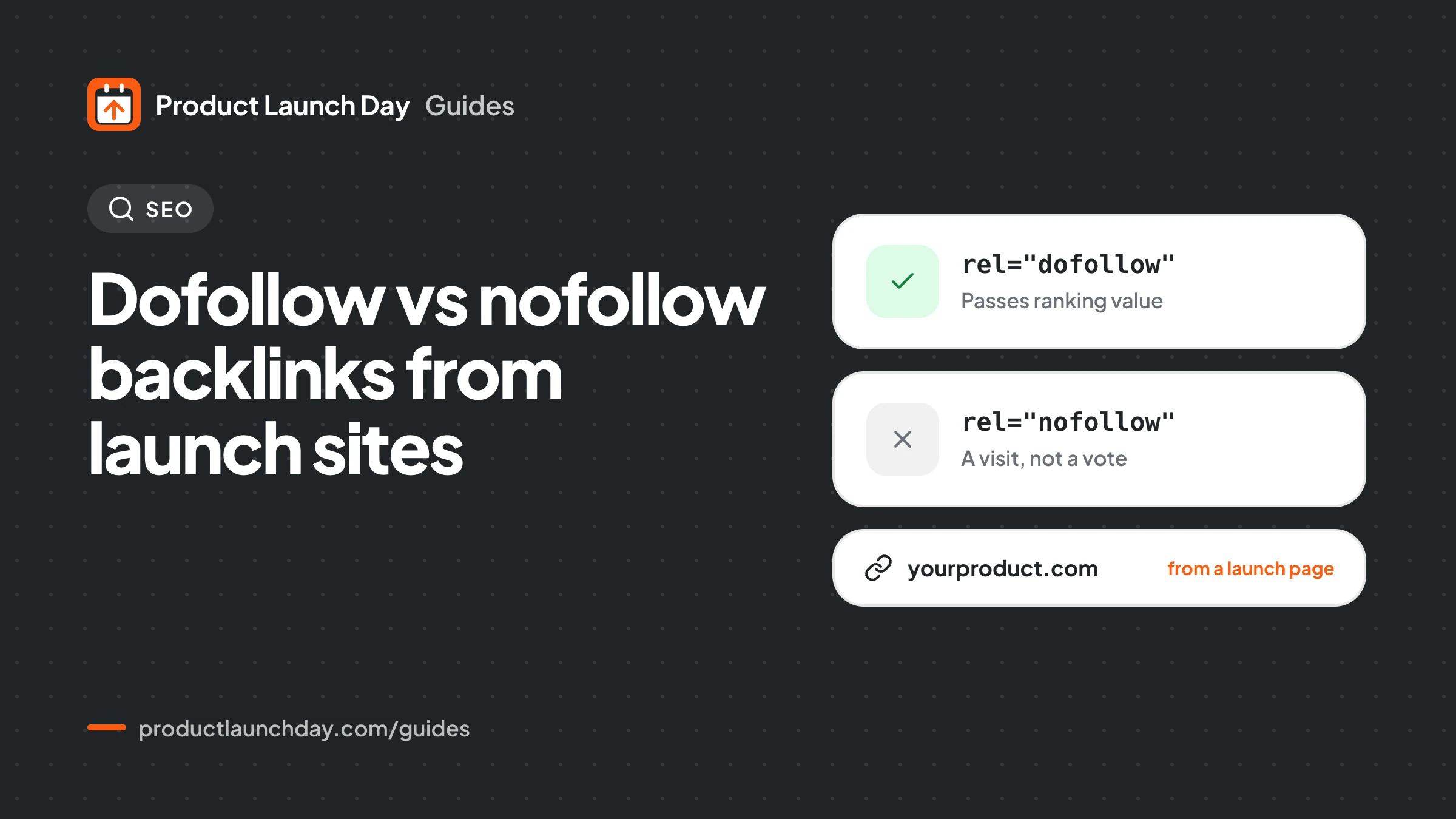
- Check which links you earned with the backlink checker, and read dofollow vs nofollow backlinks to understand what they are worth.
- Write up what you learned and share it with the people who helped.
A compact version to print
| When | Task | Done when |
|---|---|---|
| Before | Website basics | Headline, sign up, meta tags, OG image and favicon all check out |
| Before | Listing | Tagline, description, category, logo and screenshots are final |
| Before | People | Email and posts drafted, calendar blocked |
| During | Go live | Links tested, maker comment posted, email sent |
| During | Be present | Every comment answered, notes taken |
| After | Follow up | New users emailed, one requested fix shipped |
| After | Spread out | A few more relevant sites submitted |
For the reasoning behind each step, read the launch day playbook.
Questions people ask
How far ahead should I start the checklist?
Start the website and listing parts two to three weeks before your date. That leaves time to fix a slow sign up or a missing image without rushing. The people part can start any time, and the earlier you collect interested emails the better.
What is the most commonly missed item?
The link preview. Many sites have no Open Graph image, or one with the wrong size, so every share of the launch shows a blank or cropped card. It takes a few minutes to fix and you can check it with the OG preview tool.
Do I need the badge if I pay for a plan?
No. The badge is only required for free launches, as the way a free launch pays for its place in the queue. Paid plans skip the queue and do not need it, though winners often add their winner badge anyway.
Is there an interactive version of this list?
Yes. The free launch checklist tool on Product Launch Day has the same tasks with tick boxes, so you can work through them in the weeks before your date and see what is left.